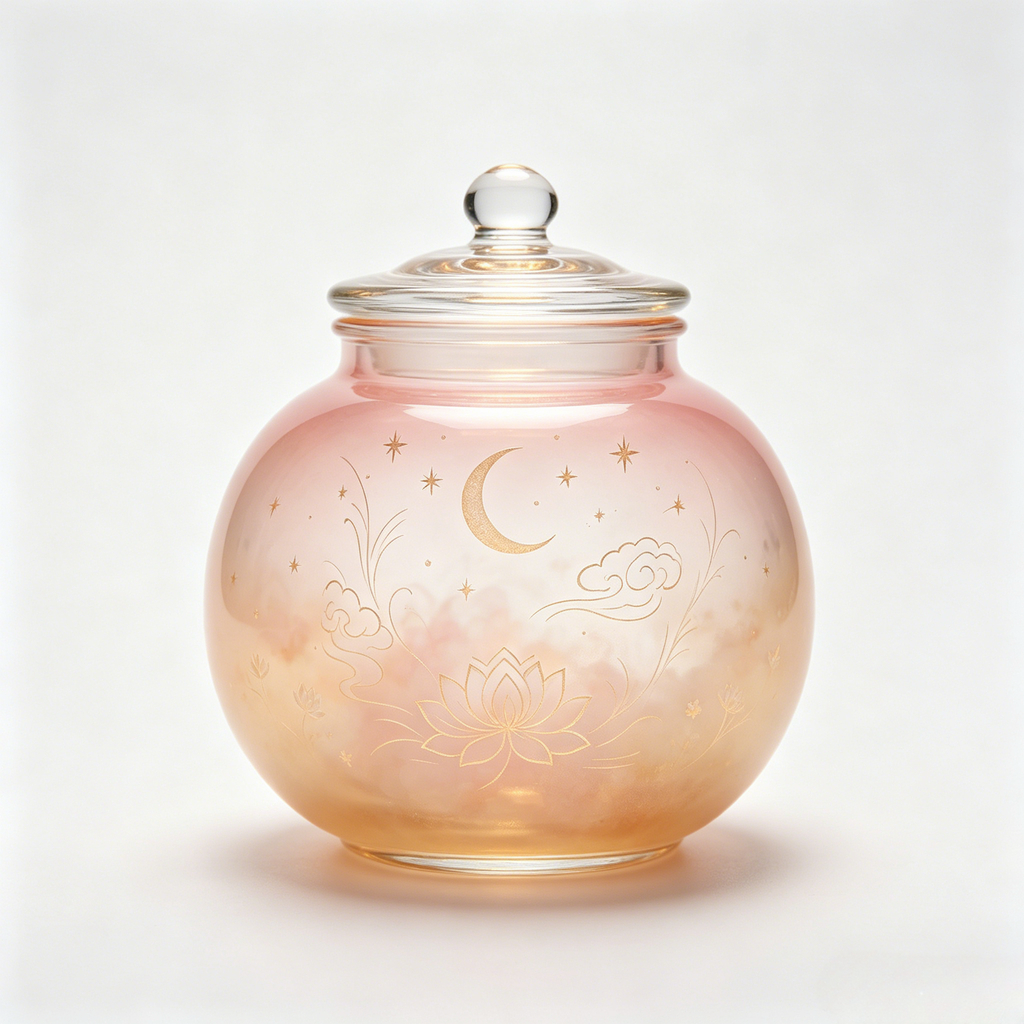
DreamJar
Pick your dreams · Tuck them in jars
Contact Us
bingdoumi@163.com
ID: 819661319
We will respond to your inquiry within 1–3 business days.
Frequently Asked Questions
A: No. DreamJar stores all dream content (text, voice, photos) locally on your device. No account, no cloud sync, no data ever leaves your phone.
A: Only when you tap the record button to log a voice dream. The recording stays on your device as an .m4a file and is never uploaded.
A: When you choose to convert your spoken dream into text, iOS uses its on-device speech recognizer. The audio is processed locally and never sent to a server.
A: Long-press the jar on the main screen and confirm deletion. This permanently removes the dream along with its voice recording and attached photos.
A: All local data (text, voice, photos, settings) is permanently deleted. We cannot restore it because we never had it. Please back up your device via iCloud or a computer before uninstalling.
A: Open the App, go to About → "Unlock Full Version" → "Restore Purchase". Your lifetime unlock will be re-applied automatically through your Apple ID.
A: Tap "Restore Purchase" on the About page. If it still doesn't work, make sure you're signed in with the same Apple ID used for the original purchase, then email us.
A: Yes. Refunds for in-app purchases are handled by Apple. Visit reportaproblem.apple.com within 14 days (EU/UK consumers) or per your local consumer rights. EU/UK consumers have a 14-day right of withdrawal — see our Terms of Use Section 6.
A: There is no artificial limit. The App stores dreams locally via SwiftData — the only constraint is your device's available storage.
A: Yes, DreamJar supports both iPhone and iPad running iOS 17 or later.
A: Simplified Chinese, English, Japanese, Korean, German, French, and Arabic.
A: Those are paid skins (certain crystal jars and all porcelain jars). Tapping a locked skin opens the purchase page where you can unlock everything with a one-time purchase.
Privacy Protection
DreamJar is committed to protecting your privacy:
- No personal data collection
- No third-party analytics or advertising
- No account or login required
- All dream content (text, voice, photos) stored locally on your device
- Microphone and speech recognition only used when you explicitly tap record
See our full Privacy Policy and Terms of Use (EULA).
Reporting Issues
When reporting a bug or issue, please include:
- DreamJar version (find in About page, e.g. "v1.0 (1)")
- iOS / iPadOS version
- Device model (iPhone/iPad)
- Steps to reproduce the issue
- Screenshot or screen recording if possible
Email us at bingdoumi@163.com with the subject "DreamJar Bug Report".